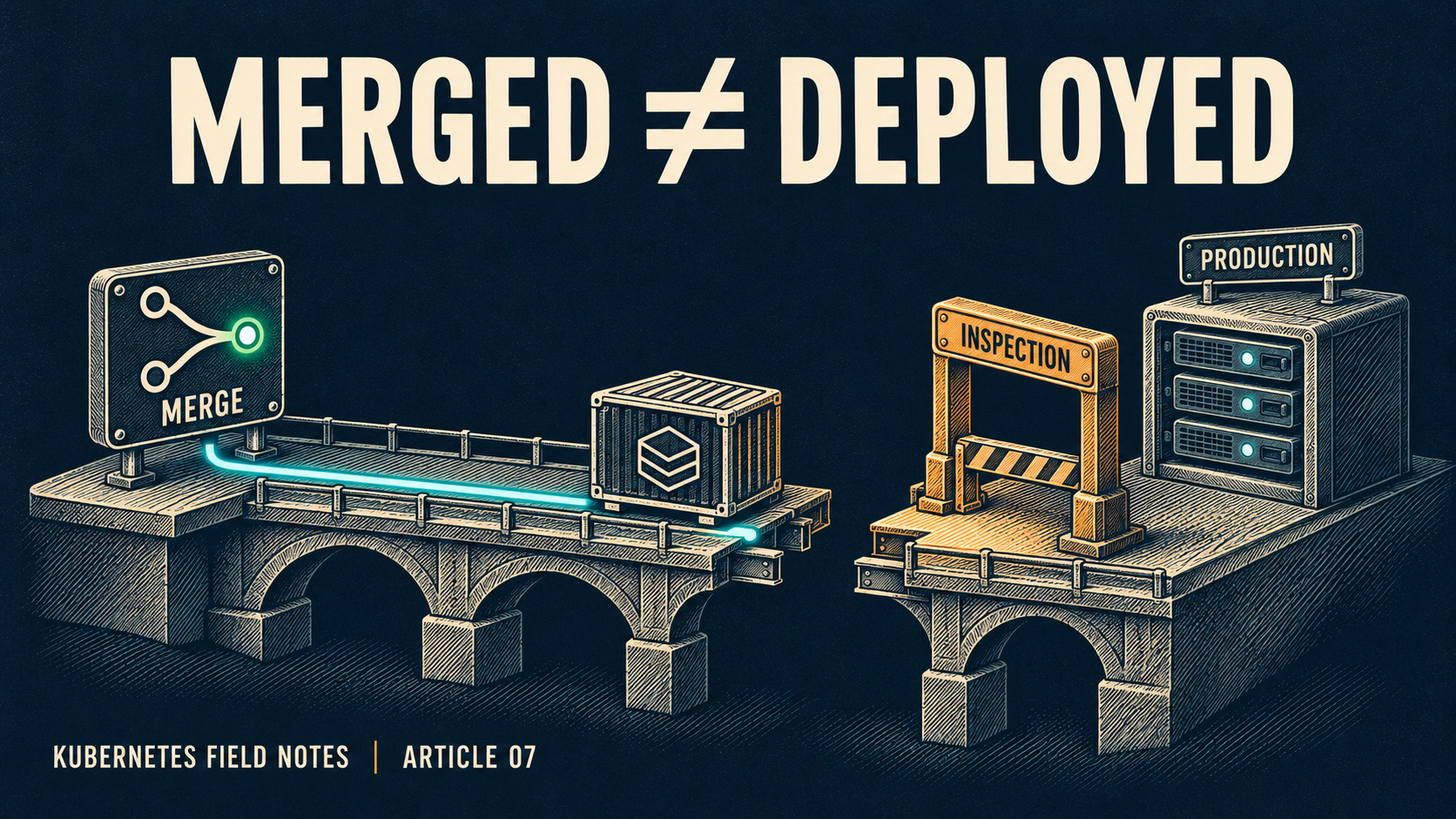
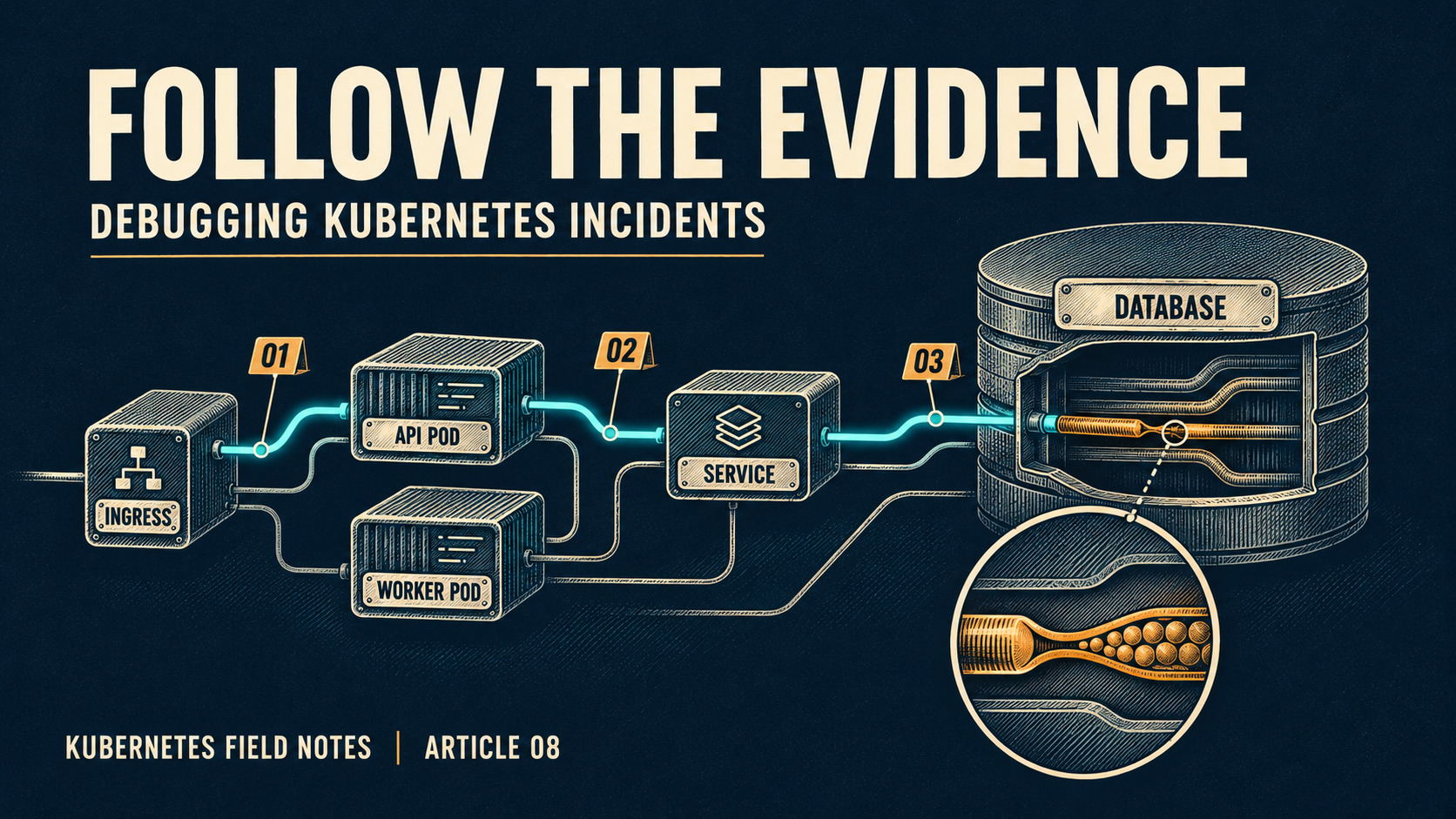
The fix is merged. The deployment dashboard is green. A customer still sees the old behavior. All three observations can be true because they describe different checkpoints.
A commit becomes production behavior through a chain of artifacts and reconciliation steps. Every step needs evidence of its own.
Follow identity through the pipeline
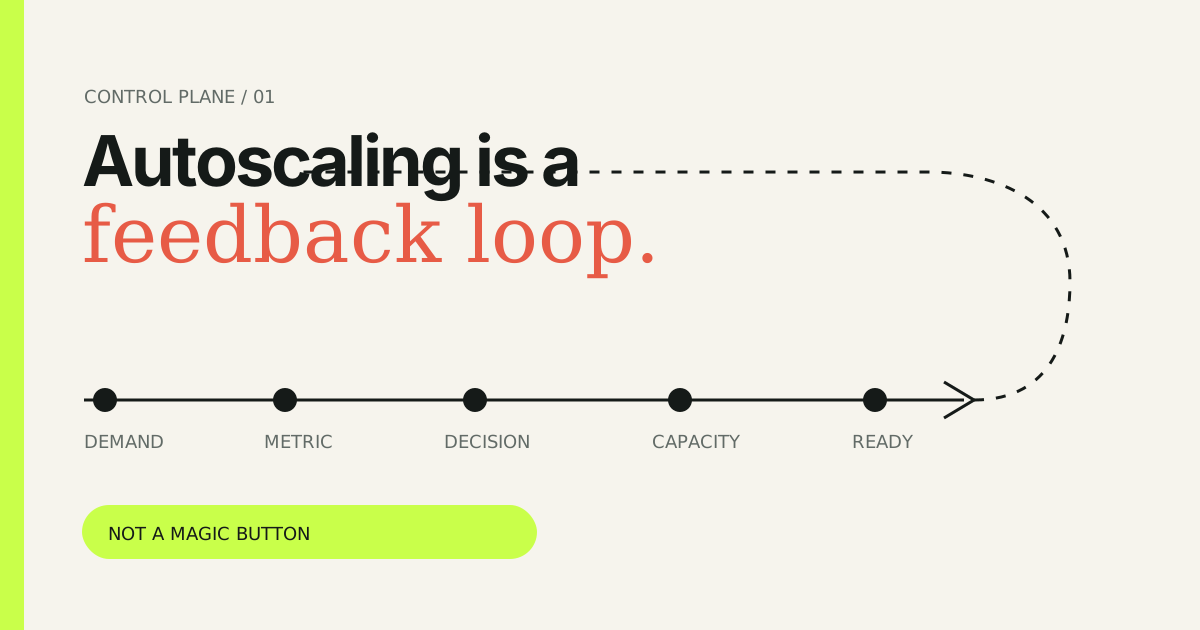
An illustrative path is commit → tests → image build → registry → desired configuration → controller observation → new ReplicaSet → scheduled Pod → image pull → startup → readiness → useful requests.
CI may build and publish an artifact without updating any cluster. GitOps may observe a different repository or revision. A controller may accept a desired state that the scheduler cannot satisfy. Readiness can succeed while a business operation fails.
Record a release identity at every boundary. Connect the source commit to the build, the immutable image digest, the configuration revision, and the runtime imageID. A mutable tag such as latest is a weak identifier: the same string can refer to different bytes, and changing registry contents does not itself change a Deployment's Pod template.
What triggers a rollout?
A Deployment rollout is triggered by a change to its Pod template. Editing an unrelated annotation outside the template does not necessarily replace Pods. Changing replicas scales a workload; it does not mean a new application image has been released.
apiVersion: apps/v1
kind: Deployment
metadata:
  name: checkout
  namespace: shop
spec:
  replicas: 3
  progressDeadlineSeconds: 600
  strategy:
    type: RollingUpdate
    rollingUpdate:
      maxSurge: 1
      maxUnavailable: 0
  selector:
    matchLabels:
      app: checkout
  template:
    metadata:
      labels:
        app: checkout
    spec:
      containers:
        - name: api
          image: registry.example.com/checkout:release-2026-11-15
          ports:
            - containerPort: 8080
          readinessProbe:
            httpGet:
              path: /ready
              port: 8080
The image is an illustrative placeholder, not a runnable release. In production, pin and record its verified digest. The readiness endpoint must exist and represent ability to receive traffic. Requests, limits, startup behavior, security settings, and shutdown behavior need workload-specific configuration.
A safe-looking rollout can stall
With three replicas, maxSurge: 1 and maxUnavailable: 0 permit an extra Pod while preserving the existing available set during normal rollout decisions. If the cluster has no capacity for that extra Pod, the rollout can wait even when old replicas remain healthy.
If the new image cannot be pulled, startup fails, or readiness never passes, progress also stalls. progressDeadlineSeconds lets the controller report a progress deadline failure; it does not automatically roll back the Deployment. External delivery systems may add rollback behavior, but that is a separate capability.
Experiment: break a delivery gate
Use the release lab to select a failure at build, registry, reconciliation, scheduling, readiness, or business verification. Advance the release and watch where the evidence stops. Change the failure and reset the simulation to run another scenario. The previous version remains shown as the serving release until the modeled cutover gate passes.
This is a simplified release state machine. Real rolling updates can serve old and new versions together; readiness flapping and concurrent deployments complicate the timeline.
Verify what actually runs
kubectl -n shop rollout status deployment/checkout --timeout=120s
kubectl -n shop get deployment checkout -o yaml
kubectl -n shop get replicasets -l app=checkout
kubectl -n shop get pods -l app=checkout -o wide
kubectl -n shop get pods -l app=checkout -o jsonpath='{range .items[*]}{.metadata.name}{" "}{.status.containerStatuses[*].imageID}{"\n"}{end}'
Compare desired image and observed runtime digest. Check Deployment conditions, generation and observedGeneration, updated and available replica counts, Pod events, and application telemetry. A command timeout is the observer's timeout, not proof that the controller will never progress.
For GitOps, compare the intended configuration revision with the reconciler's observed revision and health. Avoid a manual cluster edit that the reconciler immediately reverts. Route the permanent correction through the declared source of truth.
Rollback is a compatibility decision
Restoring an older image may fail after an incompatible database migration or message-schema change. Before rollout, plan backwards-compatible schema changes, feature flags, safe draining, and a measurable success criterion. During an incident, confirm the proposed rollback can still interpret current data.
A healthy release means the intended version is serving the expected behavior at acceptable error and latency levels. Availability of Pods is necessary evidence, but user outcomes close the loop.
Sources and scope
Pipeline stages and releases in the lab are hypothetical. Controller behavior is grounded in the Kubernetes documentation; release process recommendations are engineering interpretation.